


Marketing Automation ROI: What Drives Returns

Marketing automation sounds simple on paper. You set rules, run campaigns, and wait for revenue.
However, real life rarely works that way. Costs rise fast, results move slower, and teams lose clarity around ROI.
Marketing automation ROI answers one question that matters most: Does the effort pay for itself?
This article explains how marketing automation works, how it supports revenue, where ROI usually breaks down, and how you measure results.
TL;DR
- Marketing automation ROI shows whether automation actually pays for itself by tying revenue gained and costs saved to the tools and workflows you run.
- Automation boosts ROI by cutting manual work, speeding up follow-ups, improving lead quality, and keeping campaigns aligned with real customer behavior.
- The metrics that matter most include pipeline contribution, revenue influenced by automation, time saved, cost per lead, cost per acquisition, and conversion rates.
- Activepieces improves ROI by offering flexible workflows, built-in AI logic, deep integrations, and predictable pricing that scales without surprise costs.
What Is Marketing Automation?
Marketing automation refers to the use of software that takes over repetitive marketing tasks so you can focus on planning and results.
In practice, the system connects customer data, content, and actions into one place that responds without manual effort. Teams rely on it to keep marketing processes organized while still reaching large audiences with relevant messages.
Automation follows a trigger and action.
A user action like a download, site visit, or abandoned cart starts the flow. Rules then guide what happens next based on past activity, spending history, or timing, which keeps responses tied closely to real customer behavior.
How Automation Improves Marketing ROI
Here's how automation improves the ROI of your marketing strategy:
- Automation removes manual delays so your marketing team can act faster and focus on planning.
- Lower labor spend follows when systems take over repeat work, which cuts overhead and gives your teams extra hours each week.
- Faster response times raise conversion rates since leads hear back within minutes instead of hours.
- Automated lead scoring improves lead quality by ranking intent signals and sending sales only the most ready contacts.
- Automated workflows can deliver targeted campaigns across multiple channels and keep messages relevant across email and social media posting.
- Behavior tracking supports data-driven decision-making by showing which actions move prospects forward and which stall.
- Reporting tools drive campaign optimization through real-time analysis and adjustments so budgets shift toward results that grow revenue.
Marketing Automation ROI Metrics That Actually Matter
Your ROI gets clearer when you track key metrics that link revenue to actions and show how marketing and sales efforts work as one.
Revenue Metrics
Revenue metrics focus on money tied to deals, not surface engagement numbers that fail to show impact.
Pipeline Contribution
Pipeline contribution shows how much deal value enters your pipeline from your automation, not how many clicks your emails got.
First, track opportunities created directly by a marketing activity, like a nurture flow that ends with a demo request, then total the dollar value of those opportunities inside your CRM. After that, compute pipeline contribution.
Pipeline Contribution (%) = (Value of Marketing Sourced Opportunities ÷ Total Pipeline Value) × 100
Then, track the trend each month so marketing and sales efforts can agree on one number.
Some teams often pair the share number with velocity to judge how fast revenue can move. Use:
Velocity = (Number of Opportunities × Win Rate × Average Deal Size) ÷ Sales Cycle Length
A shorter sales cycle length usually points to tighter follow-ups, which supports marketing alignment and makes your pipeline forecast easier to trust.
Revenue Influenced by Automation
Revenue influenced by automation captures closed deals where automation supported the decision, even when sales finished the deal. Buyers often interact with emails, site content, or nurture flows long before they speak with sales.
Tracking influenced revenue gives you a full view of campaign performance across long buying cycles. Multi-touch attribution and CRM syncing help teams connect closed revenue back to automated touchpoints.
Influenced Revenue = Sum of Closed-Won Deal Values × % Attribution to Automation Touchpoints
Efficiency Metrics
Efficiency metrics show the cost side of marketing automation ROI, so you can prove value even before revenue shows up. Numbers like time and cost per outcome give you valuable insights that you can understand quickly.
Time Saved
Time saved turns into real money when you tie hours back to payroll costs and contractor spend. Use this:
Monthly Cost Savings = Total Cost - Reduced Cost
Track time saved with a before-and-after check on the same task. Compare how long it took to build and launch one campaign before automation, then compare it to the new process with templates and triggers.
Cost Per Lead
Cost per lead (CPL) shows how efficiently your spend turns into leads, and it gives you a clear way to test changes over time. Use:
CPL = Total Campaign Spend ÷ Total Number of Leads Generated
Automation lowers CPL when it cuts waste and raises conversion on the same spend. Lead scoring stops spending from chasing low-intent audiences, and follow-ups happen fast while interest stays high.
Better tracking also shows which channels drive results, so budgets shift toward the lowest cost sources.
Cost Per Acquisition
Cost per acquisition (CPA) tracks the full cost to convert a stranger into a paying customer. To solve CPA, use:
CPA = (Total Marketing Spend + Sales Costs) ÷ Number of New Customers Acquired
Then compare that number to your customer acquisition cost target.
Automation cuts CPA by reducing sales time per deal and by saving leads that would have gone cold. Nurture flows cover early information, so your sales team steps in later with warmer prospects.
Cleaner routing further prevents missed follow-ups that force you to pay again for the same outcome.
Lifecycle and Retention Metrics
Lifecycle and retention metrics prove whether automation supports growth after the first sale. Long-term value matters most once you want stable revenue and repeat buying.
Lead-to-Customer Conversion Rates
Lead-to-customer conversion rates show how well automation moves leads into buyers by optimizing the middle of your sales funnel. Use:
Conversion Rate (%) = (Total New Customers ÷ Total Leads Generated) × 100
Track the rate by segment, not only as one sitewide number. Break it out by source, offer type, and nurture path so you can spot where conversion drops.
Higher conversion means you need fewer leads to hit targets, which drops CPA without cutting spend.
If you have a successful campaign, copy the same offer and run two nurture paths with different timing or messaging. Keep the winner and retire the rest, so results keep improving.
Retention and Expansion Impact
Retention and expansion impact shows how automation drives more revenue from people who already bought.
In this stage, the "Lead" is your existing customer, so your goal shifts toward upgrades, renewals, and repeat orders.
Set triggers around product use and timing so messages land when customers feel the need. A usage spike can trigger a plan upgrade offer, while a drop in activity can trigger a win-back flow.
Track expansion revenue and churn changes so you can prove automation lifts profit.
Retention Rate = ((End Customers - New Customers) / Start Customers) × 100
How to Calculate the ROI of Marketing Automation
To calculate marketing automation ROI, you need to count both money earned and money saved, since automation affects revenue and cost at the same time.
Start with this:
ROI (%) = [(Total Financial Gain - Total Investment Cost) / Total Investment Cost] x 100
Financial gain includes direct revenue from automated flows plus cost savings from time saved, while investment cost includes every expense tied to running the system.
Next, list the full investment cost so you don't hide real spending. Add:
- Platform fees
- Setup work like data migration and CRM syncing
- Staff time spent managing the system
- Training and asset creation
Afterwards, count direct revenue tied to automated flows, and add efficiency savings based on saved hours using:
Annual Cost Avoidance = (Weekly Hours Saved x Hourly Rate x 52 Weeks)
Finally, check timing and expectations.
Common Reasons Marketing Automation Efforts Don't Deliver ROI
Businesses lose ROI when marketing efforts pile up on top of weak systems, so work increases while results stay flat. These are the two reasons why some marketing automation fails to deliver a positive ROI:
Overreliance on Rigid Marketing Automation Tools
One person may browse pricing, ignore emails, then buy through a sales call after reading reviews, yet some marketing platforms keep pushing the same sequence as if nothing changed.
That mismatch turns personalization into noise and makes people opt out.
Besides that, many marketing automation solutions lock advanced logic behind higher tiers, so you need to pay more just to add basic branching or deeper data checks. You also lose speed when the tool cannot adapt to new channels or connect cleanly to the rest of your stack.
Poor Integrations Between Systems
Disconnected systems create blind spots that block the data you need to run smart automation.
A buyer may purchase, but the email system fails to see the order, so the person receives a discount to buy again. That mistake can annoy them into leaving, which slashes your customer lifetime value (CLV).
Broken sync also breaks reporting, since teams cannot tie outcomes back to the right touchpoints while utilizing customer data across tools.
Many teams further struggle to connect to social media platforms, e-commerce systems, and CRMs at the same time, so they end up with a broken customer journey.
Why Activepieces Is Designed For High-ROI Automation
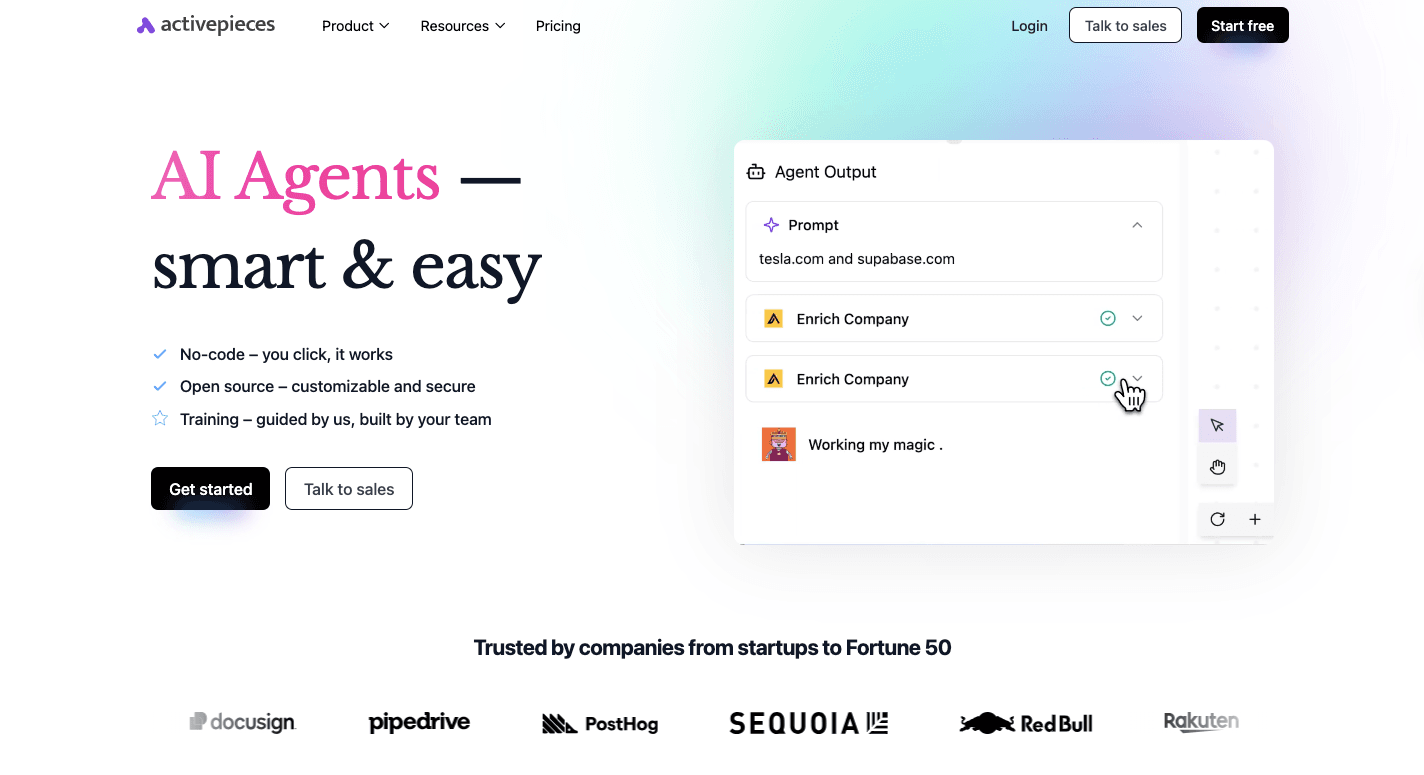
Activepieces, a workflow automation tool, gives you the kind of control most teams expect from an enterprise tool.
A lot of systems force you into fixed steps, then charge more once you want deeper logic or tighter control. Activepieces flips that, so your team can build what you need. For instance, it gives you:
Control Over Workflows
You get a visual builder where you can set rules, branches, and checks that match how your business actually runs.
Activepieces supports automated workflows that go beyond basic triggers, since you can add custom steps, custom pieces, and even short TypeScript code when the flow needs it.
You can use that flexibility for automating repetitive tasks like lead routing, list cleanup, and handoffs that used to sit in spreadsheets.
Custom AI-Driven Logic
AI features in many tools feel like add-ons, so they stop working once the flow gets complex. Activepieces treats AI as a normal step inside the flow through native AI pieces, plus an AI SDK when you want your own agent logic.
Other than that, the AI Copilot inside the builder can help you build faster, especially when you want a quick first version of a flow.
AI steps work best when they handle decisions. A flow can score intent from a form response, pull context from past activity, and then draft a reply that fits the stage. That kind of logic makes lead nurturing tighter and reduces the manual back and forth that slows results.
Intelligent Routing and Personalization
Routing drives ROI when it moves the right people to the right next step. Activepieces lets you set rules that use lead scoring plus data checks, then send qualified leads to sales with context attached. That approach protects sales time and keeps follow-ups consistent.
Personalization also gets easier when the flow can branch on more than one signal. Those branches support marketing success since each message fits the moment instead of blasting the same sequence to everyone.
Deep Integration
Data integration decides how smart your automation can get, since the flow only knows what your tools share.
Currently, Activepieces offers 544 pre-built integrations called pieces, and you can also build your own pieces as npm packages in TypeScript. Some of the integrations include:
- Mailchimp
- EmailOctopus
- Brevo
- Facebook Pages
- Facebook Leads
- HubSpot
Integration also supports real lead generation loops across the stack. A flow, for example, can pull data from forms, CRM, product events, and support tools, then act based on what it finds.
You can even self-host for tighter control, add human approval steps when needed, and use built-in chat or form interfaces when the flow needs input from a person.
Maximize ROI by Implementing Automation Workflows With Activepieces
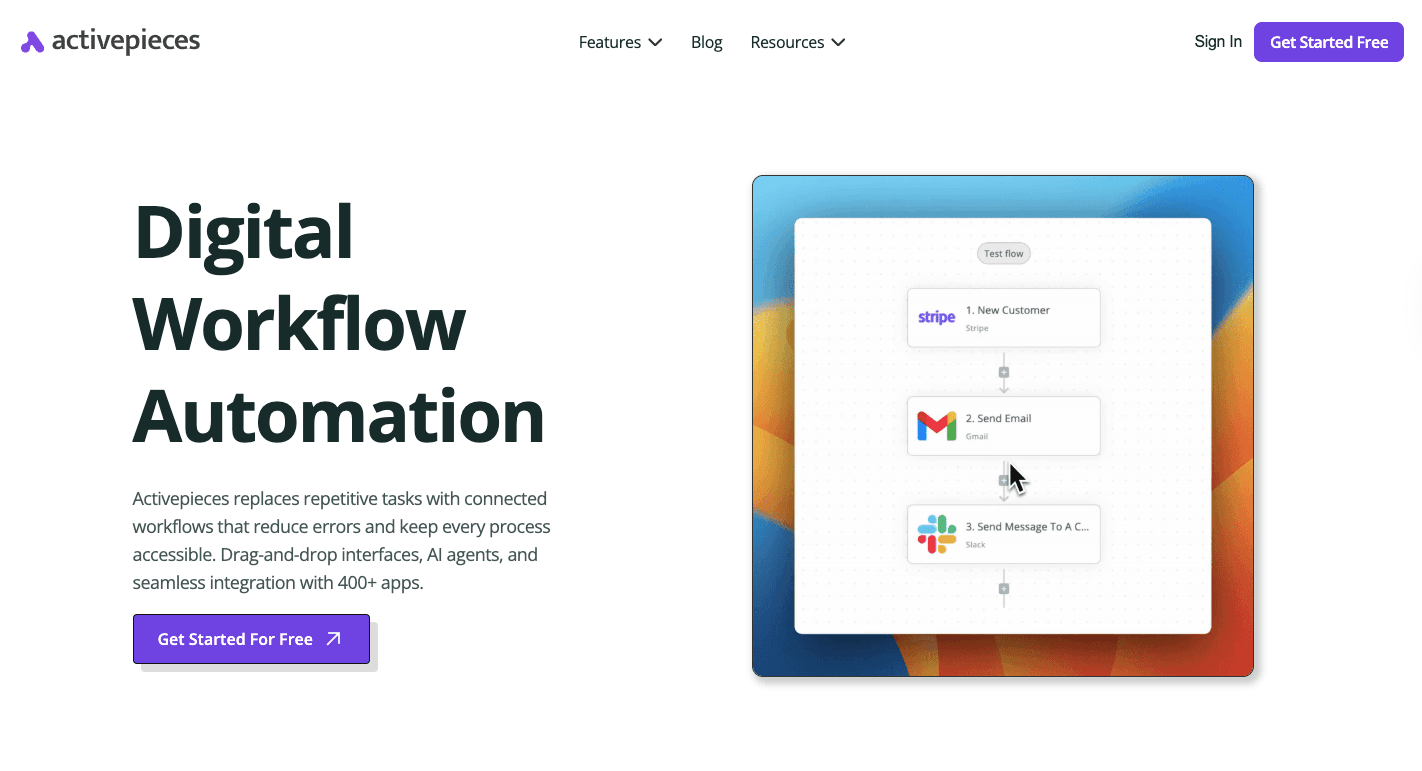
Higher ROI starts when the platform matches your stack and lets you change flows fast as your business goals shift. Some teams even see companies recover from prior inefficiencies once they replace scattered tools with one clear system.
Activepieces supports that by mixing a no-code builder for daily work with deeper options for developers, so you don't hit a ceiling after the first month. It connects apps, runs AI steps, and keeps control in your hands.
Developers can set it up, then the rest of the team can build and adjust flows without long waits. Self-hosting helps when strict rules apply, and approval steps help when a flow should pause before it sends or edits anything.
Then, its Standard plan bills per active flow, so repetitive tasks don't trigger surprise costs.
Don't let rigid tools and weak integrations drag down your ROI. Reach out to our sales team!
FAQs About Marketing Automation ROI
What is ROI in marketing automation?
ROI in marketing automation means the return you get from your marketing automation strategies after you subtract the full cost of the system, including tools, setup, and the time your team spends running automated campaign management.
Strong ROI usually shows up when automated flows improve email marketing campaigns, raise conversion, and cut manual work, while advanced analytics pull data related to customer behavior, interactions, engagement metrics, and revenue outcomes into one view.
What is a good ROI percentage for marketing?
A "good" ROI percentage for marketing depends on your margins and sales cycle, but many teams treat 100% or more as the baseline target since it means you earned back what you spent.
What type of marketing has the highest ROI?
Marketing with the highest ROI often comes from owned channels like email and retention work, since you control the audience and costs stay low over time. ROI is tied to renewals and member satisfaction, not just acquisition, so retention programs can beat pure lead gen in many businesses.
How do you calculate ROI for automation?
To calculate ROI for automation, use ROI (%) = [(Total Financial Gain - Total Investment Cost) / Total Investment Cost] x 100, then include direct revenue plus cost savings from time saved in the gain column.